
Resume and Job Search Toolkit
Resume and cover letter templates (DOCX), a job search tracker for Excel and Google Sheets, and a step-by-step guide
- From MySmartCoPilot
- ZIP
- XLSX
- DOCX
- Text
- 32 pages
- 12 sheets
Write a resume that software reads in order and people want to read, tailor it to each advert honestly, and keep every application, interview and follow-up on track.
Price ₹99 / $2.99 One-time payment, any tax included
Download straight after paying. Yours to keep.
What’s inside
- The guide: 32 pages (PDF)seven steps from choosing your target to deciding on an offer: sections and bullets, how applicant tracking software reads a resume, tailoring, cover letters, finding openings, job scams, tracking, interviews with STAR, offers; 20 before-and-after bullets, 7 exercises with answers, every fact with its source
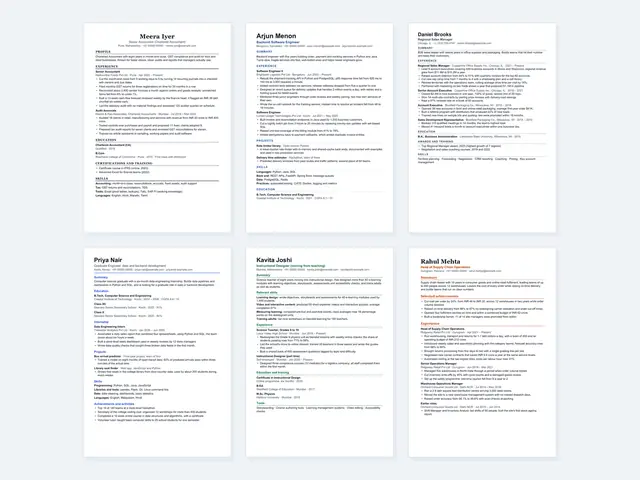
- 6 resume templates (DOCX), each as an Example and a BlankClassic, Modern, Compact, Fresher, Career Change and Senior (two pages), on A4 and on US Letter: 24 files, one column of real text that reads in order when extracted
- 6 cover letters and a blank letter (DOCX)answering an advert, no advert, a referral, a graduate role, changing career and returning after a break, each in the look of one resume, on A4 and US Letter
- 17 job-search messages (DOCX and TXT)applying by e-mail, following up, asking for a referral or a chat, interviews, thank-you notes, feedback, offers (time to decide, salary, accept, decline), withdrawing, resigning, references
- The Job Search Tracker: 12 sheets (XLSX)Applications (300 rows), Interviews (200), Contacts (200), Keyword match (40 keywords against your pasted advert and resume), Offers (4 side by side) and a Dashboard with 4 charts, reply rates by source and the last 12 weeks against your targets
- A sample workbookthe tracker filled with an invented ten-week search: 31 applications, 9 interviews, 12 contacts and 2 offers
- 8 printable checklists (PDF, A4 and US Letter)72 items: the resume, each application, the cover letter, interview preparation, the day, after the interview, offers and job scam warning signs
- A plain-text resume (TXT)for online forms that accept only plain text, blank and filled in
| File | Format | Size |
|---|---|---|
| MySmartCoPilot-Resume-Toolkit-Guide-v1.0.pdf | 1.4 MB | |
| MySmartCoPilot-Resume-Templates-A4-v1.0.zip | ZIP | 624 KB |
| MySmartCoPilot-Resume-Templates-Letter-v1.0.zip | ZIP | 625 KB |
| MySmartCoPilot-Job-Search-Tracker-v1.0.xlsx | XLSX | 186 KB |
| MySmartCoPilot-Job-Search-Tracker-Sample-v1.0.xlsx | XLSX | 195 KB |
| MySmartCoPilot-Job-Search-Messages-v1.0.docx | DOCX | 38 KB |
| MySmartCoPilot-Job-Search-Messages-v1.0.txt | Text | 10 KB |
| MySmartCoPilot-Plain-Text-Resume-v1.0.txt | Text | 5 KB |
| MySmartCoPilot-Resume-Toolkit-Checklists-A4-v1.0.pdf | 53 KB | |
| MySmartCoPilot-Resume-Toolkit-Checklists-Letter-v1.0.pdf | 52 KB | |
| MySmartCoPilot-Resume-Toolkit-Start-Here-v1.0.txt | Text | 3 KB |
| MySmartCoPilot-Resume-Toolkit-Licence-v1.0.txt | Text | 4 KB |
| MySmartCoPilot-Resume-Toolkit-Changelog-v1.0.txt | Text | 523 bytes |
Works with
| App | Versions | Checked |
|---|---|---|
| Microsoft Excel | 2016 or later on Windows and Mac; Excel for the web The .xlsx format; every function the tracker uses is on Microsoft's Excel function list; no macros, add-ins or links to other files | Made for |
| Google Sheets | in a web browser Upload the file to Google Drive and open it with Google Sheets. Sheet protection does not carry over, so type only in the blue cells | Made for |
| LibreOffice Calc | 26.8 on macOS LibreOffice Calc recalculated every formula of both workbooks and of 22 test cases, each equal to our reference figures | Tested |
| LibreOffice Writer | 26.8 on macOS All 24 resume files and 14 cover letters open, lay out as designed and export to PDFs whose text reads in order | Tested |
| Word processors that open .docx files | on a computer, or online in a web browser Standard .docx with real headings and live text; no macros, tables, images or embedded fonts; fonts that come with Windows and macOS | Made for |
| PDF readers | any PDF reader on a computer, tablet or phone Tagged PDFs with bookmarks, real text and alt text for every figure | Made for |
“Tested” means we opened and checked the file in that app and kept the record. “Made for” means it follows that app’s documented format. No DRM: the file is yours to keep.
Try a sample
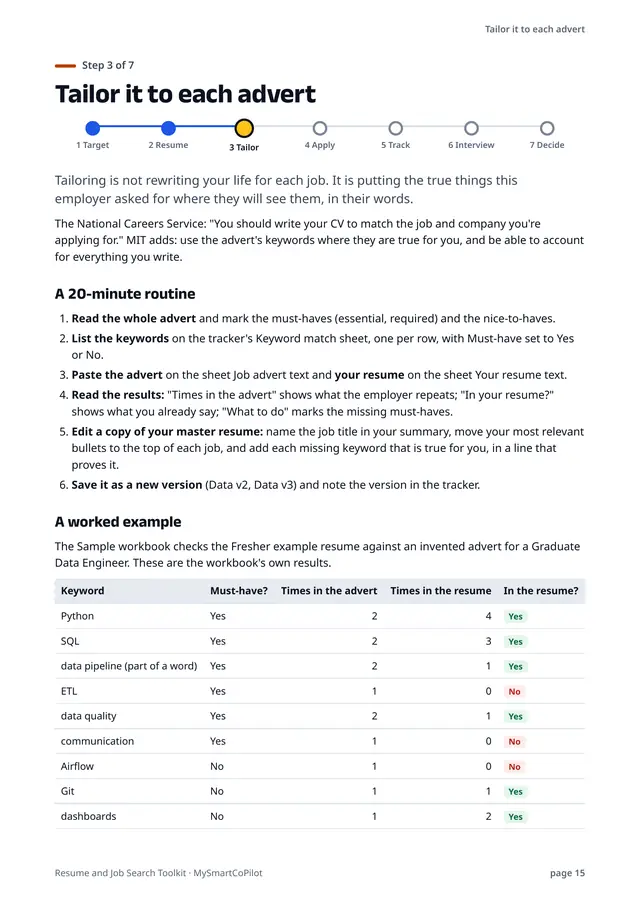
Three example resumes from the kit, checked against invented adverts in the Job Search Tracker's Keyword match sheet. Every result was computed by the shipped workbook.
| Keyword from the advert | Must-have? | Times in the advert | In the resume? |
|---|---|---|---|
| Python | Yes | 2 | Yes |
| SQL | Yes | 2 | Yes |
| data pipeline (part of a word) | Yes | 2 | Yes |
| ETL | Yes | 1 | No |
| data quality | Yes | 2 | Yes |
| communication | Yes | 1 | No |
| Airflow | No | 1 | No |
| Git | No | 1 | Yes |
| dashboards | No | 1 | Yes |
| Spark | No | 1 | No |
| cloud | No | 1 | No |
| Linux | No | 1 | Yes |
You type here: the shaded cells are the ones you fill in.
- Keywords found in the resume: 7 of 12
- Match: 58%
- Must-haves found: 4 of 6
- Must-haves to add or check: ETL, communication
Every number here was worked out by the workbook itself, from the sample data it ships with.
5 of the 32 pages shown here.
How it helps
Templates that software can read in order
Six one-column designs with your details in the page itself, standard headings and fonts that come with Windows and macOS. We exported all 24 resume files to PDF and read them back with two text extraction tools in four ways: every line came out complete and in order. No tables, text boxes, images, headers or footers to trip up an applicant tracking system.
Bullets that show results
The guide's bullet formula (an action, how you did it, the result) and 20 before-and-after rewrites from sales to nursing help you turn duties into evidence. A verb bank and six questions help you find your numbers, and the guide is plain about the rule: "Never invent a number".
Tailor each application in 20 minutes
Paste an advert and your resume into the tracker's Keyword match sheet. It counts each keyword in both, flags the missing must-haves and shows how often the advert repeats each one, all inside your own copy of the workbook: it sends nothing anywhere.
Know what to do next
The tracker flags follow-ups, next steps, thank-you notes and contacts that are due, and its Dashboard shows reply and interview rates by where you found each job, so you can spend your time where it has worked.
Every step has the words ready
Six cover letters for different situations, a blank letter, and 17 messages from applying to resigning: follow-ups, referrals, thank-you notes, asking about salary, accepting and declining offers.
Honest and sourced
The guide quotes official careers services and the software makers' own help pages, with their addresses, and covers job scams: the rules official services give, and a checklist of ten warning signs. No toolkit can promise an interview or a job; this one helps you prepare clear, honest applications.
Checked in LibreOffice, formula by formula
LibreOffice Calc recalculated all 4,923 formulas of each workbook and every formula of 22 test cases, from an empty workbook to leap days, year ends, text typed in date cells and full tables, and matched our reference figures in every cell.
Licence
Personal licence. Use it for yourself, in your own learning, projects and job, on all your devices.
- Personal use
- Lifetime use of this version
- Free fixes
- No resale
Lifetime use of the version you download. Fixes of errors in your edition are free from your order page. Read the full licence.
Refunds and your rights
Because the file is ready the moment you pay, we don’t refund a purchase once its download has started, unless the file is faulty or not as described: then we fix it, send you a corrected file or refund you. If you live in the EU, the EEA or the UK, you can withdraw from your purchase until your download starts, and you keep every right the law gives you.
Your legal guarantee: if a file is faulty or not as described, we repair it, replace it or refund you.
Delivery and paying
Download straight after paying, on this page and by e-mail. Nothing is shipped. Sold in the countries where a way to pay shows on this page.
You can download your files again from your order page whenever you need them. If we ever stop offering downloads, we’ll e-mail you at least 90 days before so you can save your copy.
- In rupees: UPI, cards or netbanking on Razorpay’s secure page. MySmartCoPilot sells the file to you.
- In US dollars: card or wallet with Dodo Payments, which sells the file to you as merchant of record and e-mails your receipt or invoice.
- In US dollars with PayPal, where it is offered. MySmartCoPilot sells the file to you.
Bought once, separately from passes. How the Digital Store and passes differ.
Questions
Will this get me an interview or a job?
No toolkit can promise that: employers decide. The kit helps you write a clear, honest resume and cover letters, tailor them to each advert and follow up on time.
Which apps do I need?
A word processor that opens .docx files (on a computer or online in a web browser) for the templates, and Microsoft Excel 2016 or later, Google Sheets or LibreOffice Calc for the tracker.
Can I use the tracker in Google Sheets?
It is made for Google Sheets, built to its documented functions (we tested every formula in LibreOffice Calc): upload the .xlsx file to Google Drive and open it with Google Sheets. Google Sheets does not keep the sheet protection, so type only in the blue cells.
A4 or US Letter?
Both are included. Use US Letter in the United States and Canada and A4 almost everywhere else.
Will my resume look like a template?
The templates are plain, professional layouts with your words in them. The document properties are empty, so nothing of ours goes into the file you send.
Is it for freshers?
Yes. The Fresher template puts education, internships and projects first, and the guide covers student projects, CGPA and the first job search, with a cover letter for graduate roles.
Is my data sent anywhere?
No. The files have no macros, no links to other files and no connections to the internet. Your resume text stays in your copy of the workbook.
Can I use it for my clients?
This is a personal licence: use the files for your own job search. Your finished resume and letters are yours to send to anyone. Selling or sharing the templates themselves is not allowed.
Versions
- Version 1.0: First edition: the guide, 24 resume templates, 14 cover letters, 17 messages, the tracker and its sample workbook, the plain-text resume, the checklists, the licence and the changelog.
Related
-
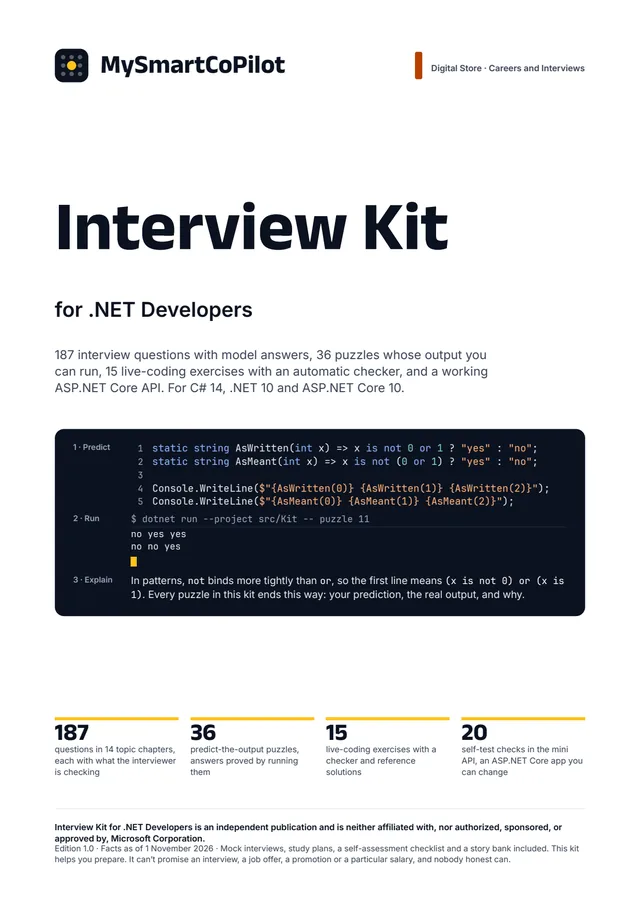 Interview Kit for .NET Developers Prepare for C#, .NET and ASP.NET Core interviews: answer the questions interviewers ask, predict what code prints and prove it, and practise live coding against a checker. PDFEPUBZIPText ₹149 / $3.99
-
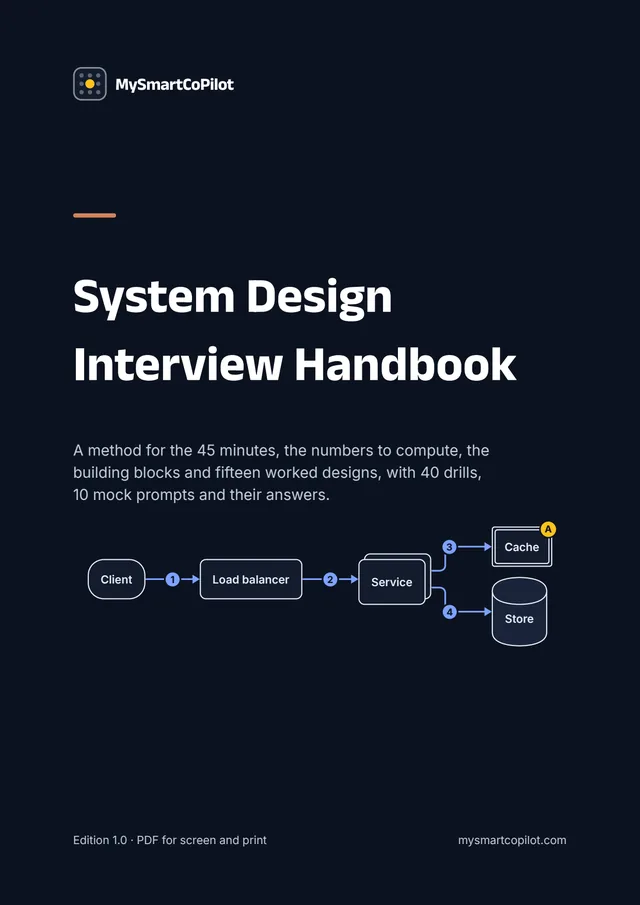 System Design Interview Handbook Prepare for a system design interview: run the 45 minutes with a method, compute the numbers that drive a design, pick building blocks for stated reasons and practise with worked designs. PDFEPUBText ₹199 / $4.99
-
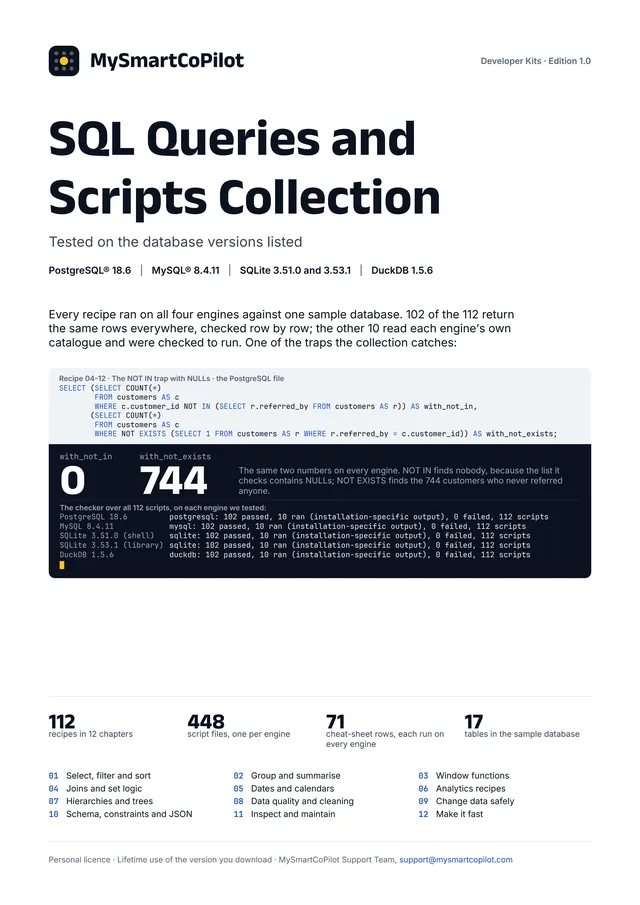 SQL Queries and Scripts Collection Copy SQL that already works on your engine: 112 recipes for reports, window functions, dates, joins, analytics, trees, cleaning and safe changes, each run on four engines. ZIPPDFText ₹99 / $2.99
Prefer it online?
- Resume Builder: Write your resume or biodata with optional AI help; the PDF and Word file with a Pro pass.
- Resume PDF ATS Checker: What a parser reads in your resume PDF, and what trips it up — checked on your device.
- Cover Letter & Recruiter Email Generator: Your résumé and the job ad in: a tailored letter and seven ready messages out.
- Job Application Tracker: Every application, interview and follow-up on one board that stays on your device.
- Mock Interview Practice & Feedback: Practise real interview questions against the clock and see exactly how to answer better.
More files in Careers and Interviews.
Microsoft and Excel are trademarks of the Microsoft group of companies. Google Sheets is a trademark of Google LLC. LibreOffice is a registered trademark of The Document Foundation. MySmartCoPilot is not affiliated with or endorsed by them. All other trademarks are the property of their respective owners.