Vector Workshop: Rules in Motion
Plan the flight. Then plan for the gear shift.
Pro game

Puzzle
Vector Workshop: Rules in Motion
Plan the flight. Then plan for the gear shift.
This game could not load.
About Vector Workshop: Rules in Motion
Vector Workshop: Rules in Motion is a puzzle game set on the floor of a clockwork planetarium at night. Each room is a round brass floor under the dome, with a comet in its launcher and a golden sun cradle somewhere across the stars. Launched, the comet glides in a straight line until something turns or stops it: gear housings stop it dead, planets spring it back the way it came, black holes swallow it, and fixed vanes bend its path a quarter turn.
You get a small number of movable surfaces: orbit vanes that lean left or right, and in later rooms a spring planet of your own. Set them on open floor, launch, watch, and try again. The catch is in the title. In every room one rule changes partway through the flight, and the brass dial says when: after the comet's second turn every vane may turn a quarter, the dome's walls may start to spring the comet back, springing walls may go still, or the orbit rails may lock. The flight that works is the one that already allows for the change. The moment it comes, the planetarium's great ring gear turns with a clank: the Great Gear Shift.
There are twelve hand-ordered rooms, each solved by the planetarium's own solver to set its par, then endless far skies and a daily room that is the same for everyone. Three stars for solving a room with par pieces and no hint. Undo, redo, hints and the trail of your last flight are always there, nothing is timed, and your progress stays in this browser.
How to play
- Bring the comet from its launcher to the sun cradle: it glides until a wall, a planet, a vane or a black hole changes its course.
- Tap open floor to set an orbit vane, tap it again to turn it, and once more to take it back; later rooms add a spring planet.
- Read the brass dial: one rule changes mid-flight, after a set number of turns or bounces. Plan the path for both rules.
- Press Launch to fly. A miss leaves its trail on the floor, with a mark where the rule changed, so you can adjust.
- Solve with par pieces and no hint for three stars; stardust swept up on the way and a first-launch solve add points.
Controls
- Tap or click a floor tile — set a vane, turn it, take it back
- Arrow keys, WASD, D-pad or stick — move the brass cursor; Enter or Ⓐ — set, turn or take back
- Space, L, Ⓧ or Launch — fly the comet; Z or Undo — undo; H or Hint — a hint
- P, Escape or Start — pause
Frequently asked questions
What exactly changes mid-flight?
One rule per room, shown on the brass dial. Gear shift: after the set number of turns every vane, fixed or yours, turns a quarter, so a vane leaning right now leans left. Spring rim: the walls start bouncing the comet back. Still rim: walls that were bouncing it start holding it. Rails lock: the orbit rails stop turning it.
What counts as a turn?
Every time a vane bends the comet's path, fixed or placed by you. Bouncing off a wall or a planet is not a turn, and neither is a bend along an orbit rail. The Turn marks setting numbers the turns of your last flight on the floor.
How are stars and par worked out?
The planetarium's solver finds the fewest pieces that bring the comet home, with the rule change included: that is par. Solving with par pieces earns three stars, one more piece two, and any solve at least one. A solve after a hint earns at most two.
Is there a time limit?
No. Nothing is timed, launches are free, and the board stays as you left it. Flight speed in the settings only changes how fast you watch the comet.
I am stuck. What does a hint do?
A hint keeps the pieces you have placed and shows the next piece of an answer that uses them; if none does, it points at one of yours to take back. It glows on the floor and is read out.
Does the game save?
Yes, in this browser: every solved room, your stars, and the board you were working on, so you come back to the same room with your pieces where you left them. Nothing is uploaded.
Related games
All Puzzle games →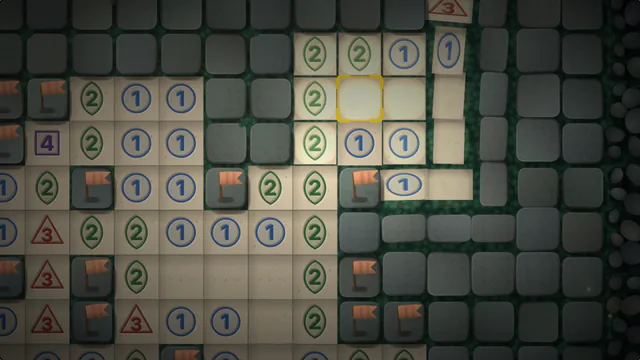 Minesweeper Clear the board without clicking a mine — use the numbers as clues. Pro game
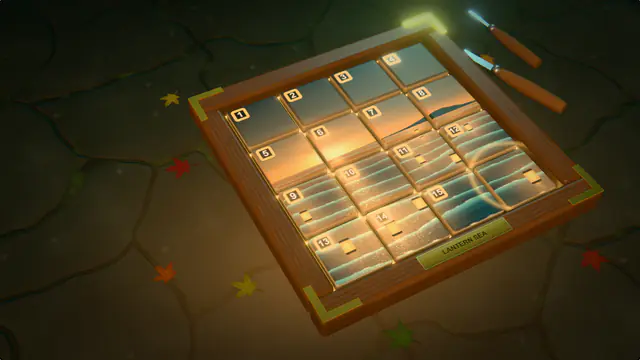 Sliding Puzzle Slide the carved tiles back into place and bring the painting to life. Pro game
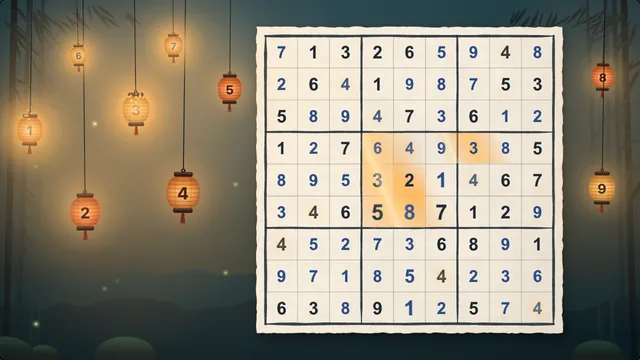 Sudoku A handmade grid under nine paper lanterns. Fill every row, column and box with 1 to 9. Pro game
 Merge Numbers Slide, merge matching gems and chase the highest stone you can make. Pro game
 Prism Orchard: Chainburst Plan two swaps, release them together, and split the sunrise with a chain. Pro game
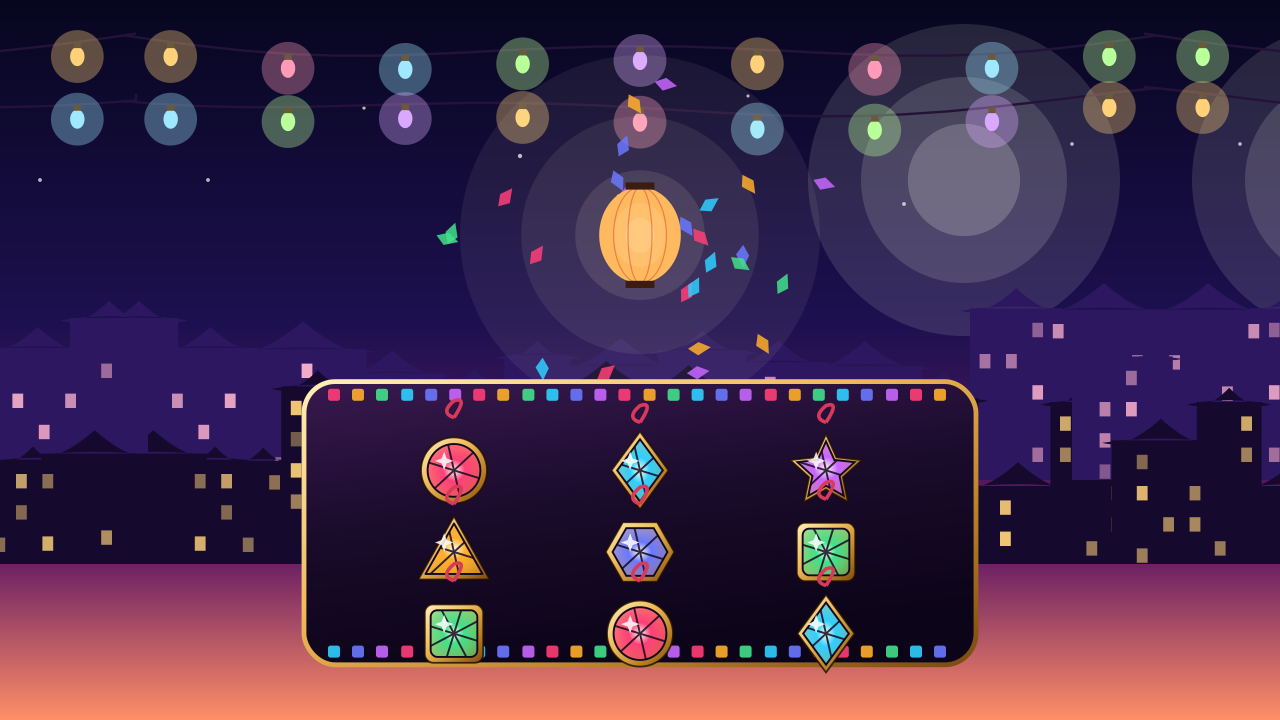 Prism Mosaic: Chainburst Plan two swaps, release them together, and send a lantern over the night market. Pro game