Wind and Draw
Read the wind, pull back, and loose ten arrows at the ringed target.
This game could not load.
About Wind and Draw
A browser archery game: drag back on the bow and release to loose an arrow at a ringed target. Each arrow drifts a little differently depending on a randomly generated wind value shown on screen.
Play Calm mode for gentle, forgiving wind, or Windy mode for a tougher ten-arrow round. Your score adds up across all ten arrows for a final total to beat.
How to play
- Click or tap and drag back from the bow, then release to loose an arrow.
- A longer drag gives more power; dragging to a side aims that direction.
- Watch the wind indicator before each shot and aim to compensate for the drift.
- Arrow keys plus Space also work: hold an arrow key to aim, hold Space to draw power, release to shoot.
- Score ten arrows in Calm or Windy mode; higher rings in the center are worth more points.
Controls
- Click/tap and drag back from the bow, release to shoot
- Arrow keys — aim, Space — draw power, release Space to shoot
Frequently asked questions
How does the wind affect my shot?
Each arrow has its own randomly generated wind value, shown as a drifting flag before you shoot. Stronger wind pushes the arrow further off-course, so aim slightly into the wind to compensate.
What's the difference between Calm and Windy mode?
Calm mode uses a smaller wind range for gentler, more predictable shots. Windy mode uses a much wider range, so compensating for the wind matters a lot more.
Related games
All Sports & Driving games →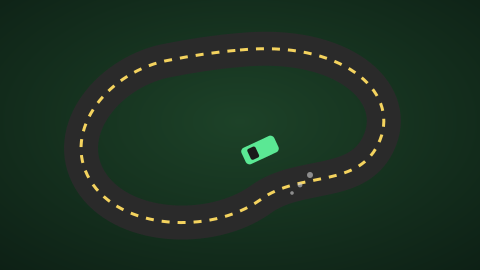 Drift Loop Racer Hold the drift through every corner and boost out clean to shave your lap time.
  Snake Grow as long as you can without hitting a wall or your own tail.
  Breakout Bounce, break and clear every brick before you run out of lives.
 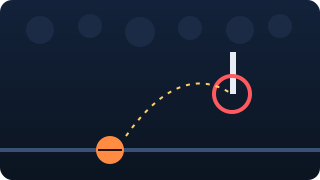 Buzzer Beater Hoops Charge your shot and chase the sliding hoop before the 60-second buzzer sounds.
 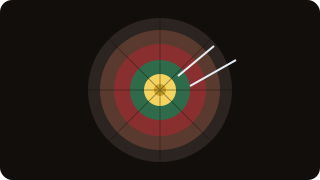 Checkout Challenge Count down from 101 and finish on exactly zero without busting.
  Six Ball Chase Time your shot against every delivery and chase down the target.