Neon Courier: Arcade Weather
Fly into the storm, grab the reels, go live.
Pro game
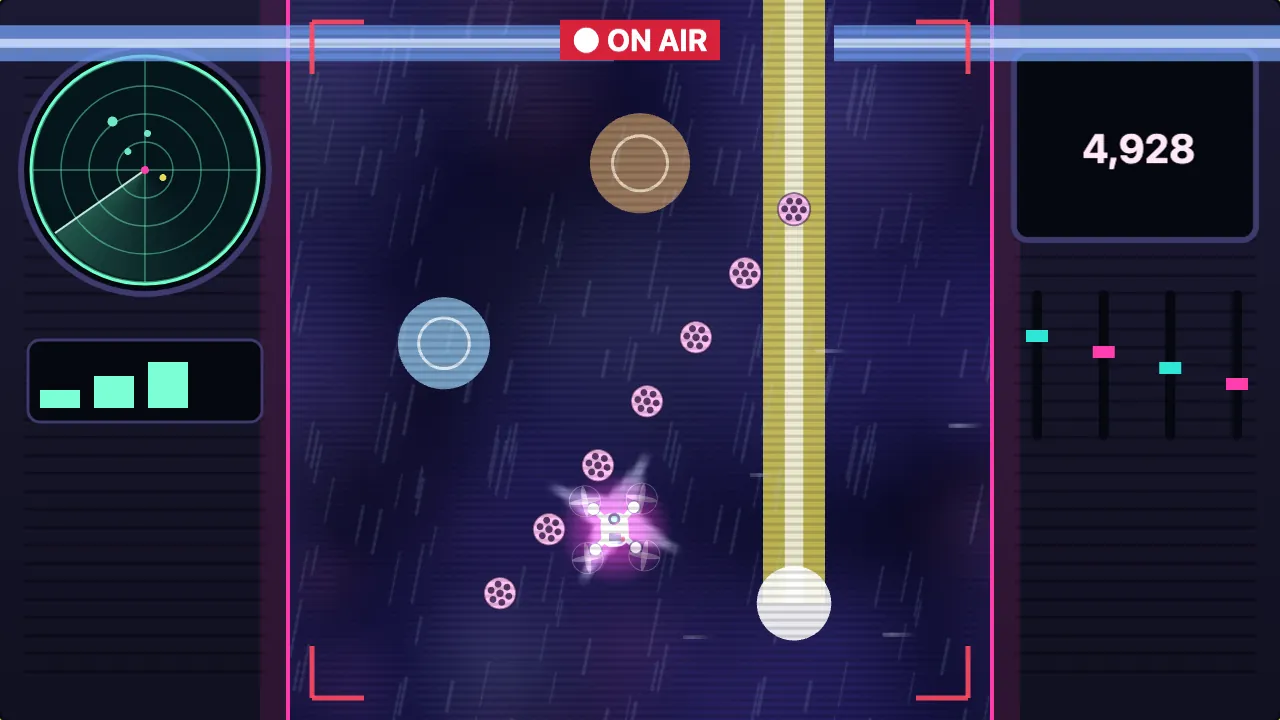
A storm-chasing broadcast
Neon Courier: Arcade Weather
Fly into the storm, grab the reels, go live.
This game could not load.
About Neon Courier: Arcade Weather
You fly the courier drone of a storm-chasing broadcast, carrying film reels up through the clouds to the truck. The sky scrolls past as you steer across it, and a little up and down to see further ahead or to be nearer the reels.
Every round has its own weather. In rain the drone slides, so you steer ahead of yourself. Wind shoves you sideways. Fog closes in until you can only see a ring around the drone. In a lightning round a column of light is drawn in the sky and a moment later it strikes, and a hail front is a wall of ice with one gap in it. A squall puts wind, rain and lightning together, and sometimes the eye of the storm gives you a calm spiral of reels. Hold Brace to lean into the weather: wind and rain barely move you, but you fly at half speed.
Fly through film reels to fill the LIVE meter. When it is full the picture cuts to air, the ON AIR tag lights and every point counts double for eight seconds. Pass a live hazard close without touching it for a near miss; chains of them fill the multiplier. The broadcast signs off after 150 seconds, or when you have lost all three bars of signal. On a wide screen the sky is a column in the middle of the broadcast desk, with a radar and a live viewer count. Each flight has one twist, and there is a daily flight that is the same for everyone today. Records and badges stay on this device.
How to play
- Steer with WASD, the arrow keys, a stick, the on-screen stick, or by dragging. Flying starts with your first move.
- Fly through the film reels. Each one fills the LIVE meter; when it is full you go on air and every point counts double for eight seconds.
- Watch the sky: a dashed outline means a hazard is coming and turns solid just before you reach it. Lightning is a column drawn in the sky that strikes a moment later.
- Pass a live hazard close, without touching it, for a near miss. Chains of near misses fill the multiplier.
- Hold Space, Shift, Ⓐ or the Brace button to lean into rain and wind. You fly at half speed while you brace.
- A hit costs a bar of signal and ends your time on air. Three hits end the flight, and the broadcast signs off after 150 seconds with a bonus.
- Press P, Escape or Start to pause. In Settings you can choose a relaxed pace, an assist, and toggle Brace instead of holding it.
Controls
- WASD, arrow keys, left stick, on-screen stick or a drag — steer
- Space, Shift, Ⓐ or the Brace button (hold) — brace into the weather
- P, Escape or Start — pause
Frequently asked questions
What does Brace do?
It leans the drone into the weather: wind and rain hardly move it, but it flies at half speed. In Settings you can make Brace a toggle instead of a hold.
What is the LIVE meter?
Film reels fill it. When it is full you go on air for eight seconds and every point counts double. A hit takes you off air.
How does the weather change?
Every round is a different kind: rain, crosswind, fog, lightning, a hail front, a squall, and now and then the calm eye of the storm.
How long is a flight?
Until the signal is gone (three hits) or the broadcast signs off at 150 seconds, with a bonus.
Can I take it slower?
Yes. In Settings, Pace can be set to Relaxed, and Assist makes reels easier to reach, hazards smaller, gives breathing room between rounds and clears the fog.
Does it save my flight?
A flight in progress is saved at the start of every round, so you can come back and continue. Records and badges stay in this browser only.
Related games
All Arcade games →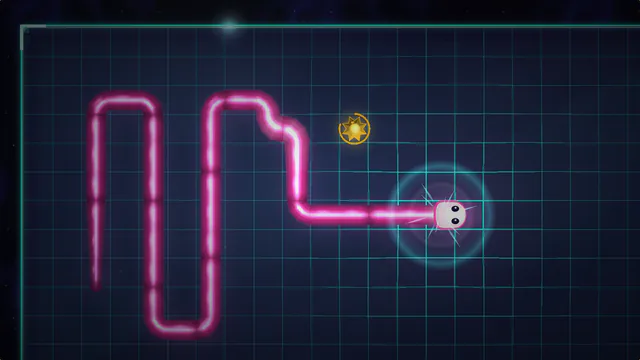 Snake Eat the prisms, chain them for big points, and never bite your own tail. Pro game
  Breakout Bounce, break and clear every brick before you run out of lives. Pro game
 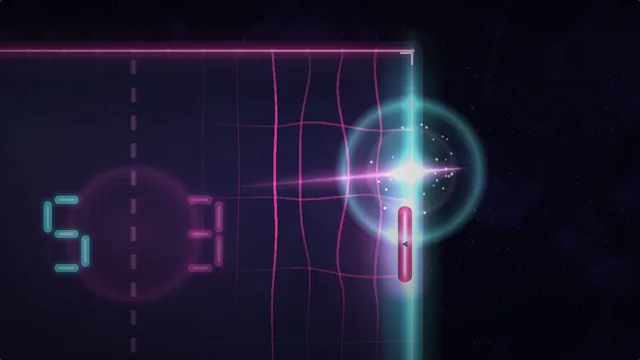 Pong Rally the ball past the computer paddle to win the match. Pro game
  Whack-a-Mole Bonk the moles before they duck back down, and catch the golden one for a Frenzy. Pro game
  Neon Pulse: Score After Dark Scan the parcels, bank the stack, and never let the night shift beat you. Pro game
 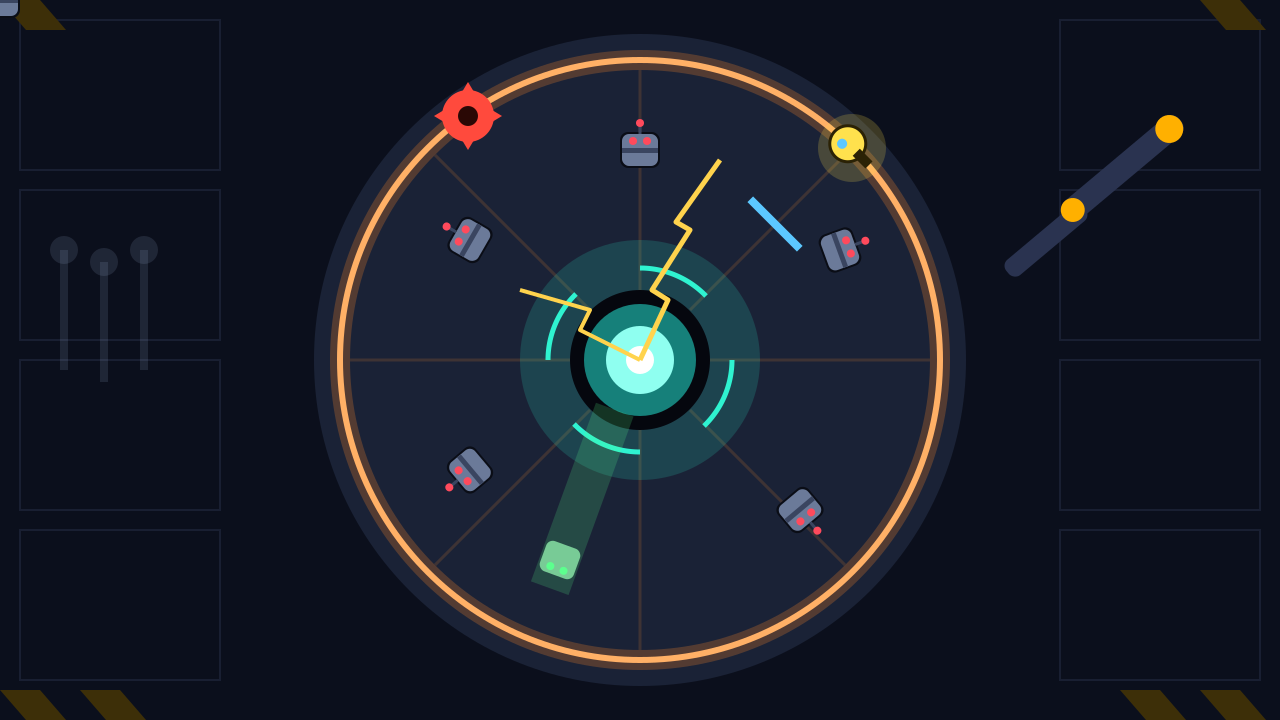 Neon Pulse: One More Run Sixty seconds, one rail, a ring of broken robots. Then one more run. Pro game