Paper Postcard: Unread Chapters
A night train, a book with missing chapters, and an order to read them in.
Premium game

Interactive story
Paper Postcard: Unread Chapters
A night train, a book with missing chapters, and an order to read them in.
This game could not load.
About Paper Postcard: Unread Chapters
Paper Postcard: Unread Chapters is an illustrated interactive story set on the Dawn Local, a train that only arrives at dawn. You wake in seat seventeen with a coat that is not yours and a book that is: the Night Book, whose four middle chapters have lost their pages. Each chapter is a station and a passenger with something left undone: the conductor with a punch that is missing a tooth, a boy with a crate of apples for a halt that fell into the hill, a widow who rings a handbell in the dark tunnel, and a stoker who has never crossed the flooded mile. You restore the chapters in any order, and the book remembers which you read first and last. The people in a chapter know what you did in the chapters you have already read, and some mendings cannot be done until you have found two clues in two different chapters and laid them side by side on the pages board. After the fourth chapter the last one opens: the Dawn Platform, with four endings, one of them hidden for a reader who reads the night backwards. A new twist each session and a daily challenge keep it fresh. Nothing is timed against you; you can go back to an earlier choice; every line is announced to screen readers and the text goes up to Largest.
How to play
- Press Turn the page or tap the text to read on, and tap a choice (or press 1 to 5) to answer. Z or the Back button returns to your last choice.
- On the Contents, choose which of the four unread chapters to restore next. The book remembers the order you read them in.
- The people in a chapter remember what you did in the others, and say so. Reading a chapter earlier or later changes what they know.
- Pick up loose pages as clues. Open the pages board (E, or the Pages button) and pick two to lay them side by side; a pair that fits unlocks a choice in a later chapter.
- Some choices open a quick-answer bonus window. It is only a small extra, and you lose nothing by taking your time. You can switch it off in Settings.
- Change the text size with T or the Text button. Your story saves as you go, and Restart begins a new one with a new twist.
Controls
- Tap the text, or press Enter, Space or Ⓐ — turn the page
- Tap a choice, or press 1 to 5 — choose
- Z, Backspace or Ⓑ — go back to the last choice
- E or Ⓨ — loose pages board; L or Ⓧ — what the book has told you; T — text size
- P, Escape or Start — pause
Frequently asked questions
How long is a story?
About fifteen to thirty minutes, in five chapters. There are four endings, one of them hidden, so you will want to read the book again in another order.
Does the order I read the chapters in matter?
Yes. The people in a chapter remember what you did in the chapters you read before, one mending needs a clue from one chapter and a clue from another, and the last chapter changes with what you read first and last.
Is anything timed?
No. A few choices show a quick-answer window for a small extra, but a slow answer loses nothing and never removes a choice. You can turn the window off in Settings.
Can I take a choice back?
Yes. Press Z or the Back button to return to your last choice with everything as it was, as often as you like.
Can I play with a keyboard or a screen reader?
Yes. Every line, choice and clue is announced, every button works with the keyboard or a controller, the text size goes up to Largest, and reduced motion shows each line at once.
Does it save?
Yes, in this browser: the story you are in, the endings you have read and your settings. Nothing is uploaded.
Related games
All Word & Trivia games → Trivia Quiz Eight original questions under the studio lights. Answer fast and keep your streak alive. Pro game
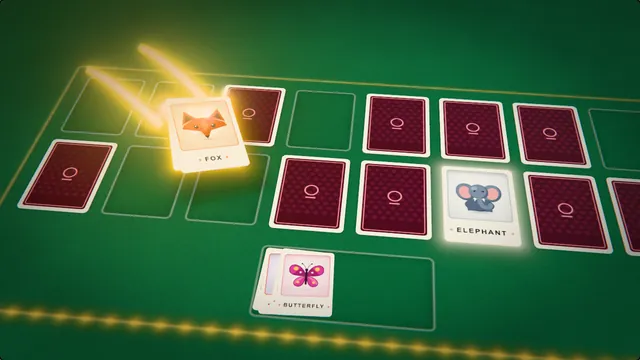 Memory Match Flip two cards at a time and find every matching pair. Pro game
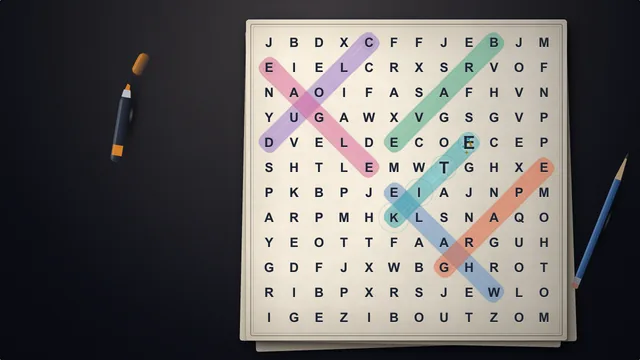 Word Search A fresh grid of letters, a highlighter in your hand. Find every hidden word. Pro game
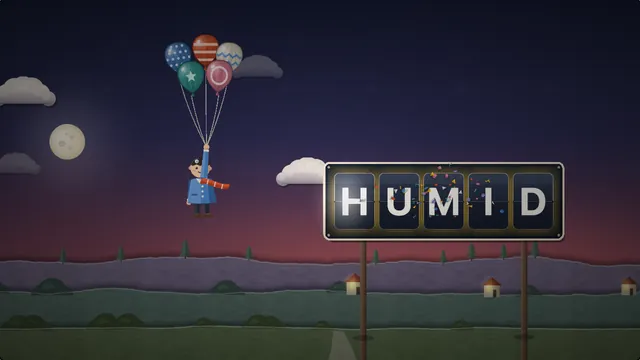 Hangman Guess the hidden word letter by letter and keep the balloons flying. Pro game
 Lexical Riddle: Cipher School A tile changes after every word you find. Learn the cipher, then pass the test without a hint. Pro game
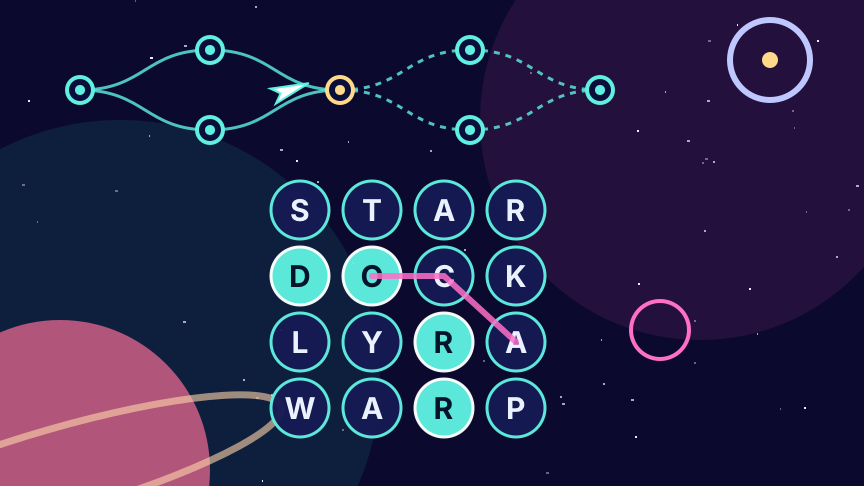 Lexical Riddle: Word Trails Every word carries your ship one stop further. Choose your branch, reach the finale. Pro game