Connect Four
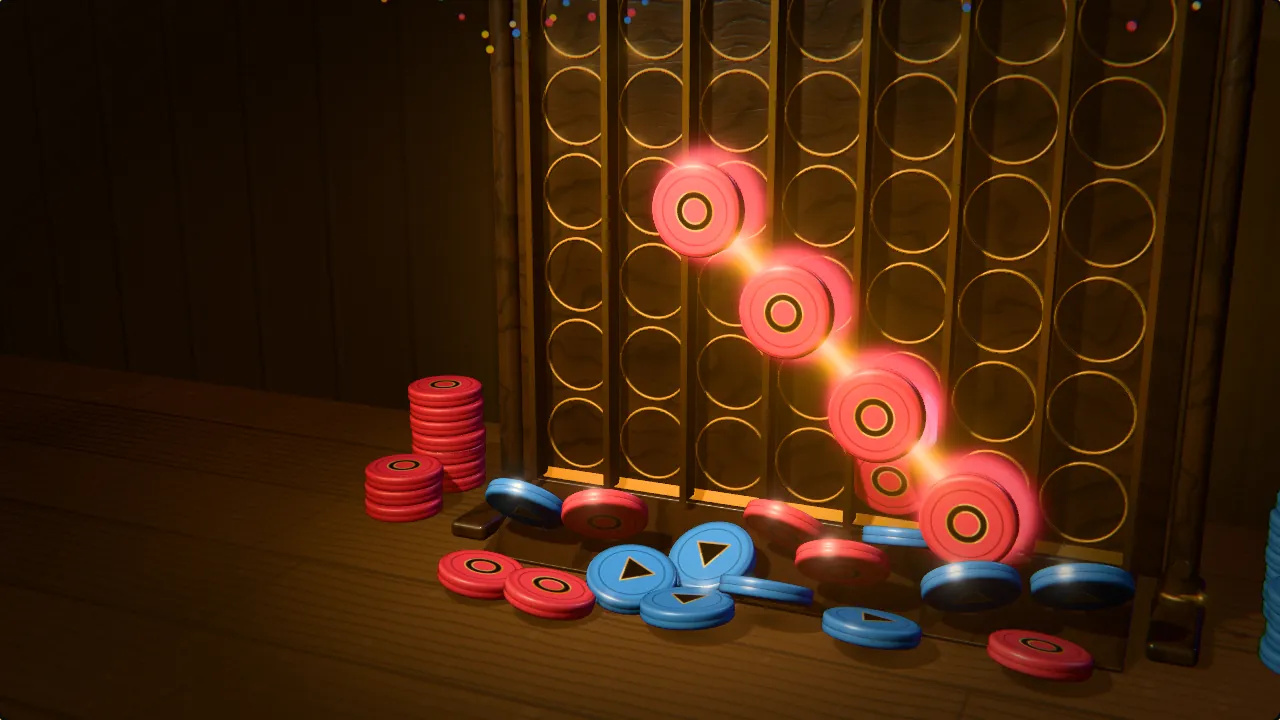
Drop, block and line up four: the discs tumble out when someone wins.
Pro game
Board
Connect Four
Drop, block and line up four: the discs tumble out when someone wins.
This game could not load.
About Connect Four
A browser version of Connect Four on the standard 7-column, 6-row grid, played in an upright walnut frame under a warm desk lamp. Drop a disc into any column with room and it falls to the lowest empty slot; line up four of your discs in a row, a column or a diagonal before your opponent does. When someone wins, the four light up and slide out of the frame, and the catch opens to let every other disc tumble out across the table.
Play the computer at three levels (Relaxed; Classic, the original opponent that looks four moves ahead; or Sharp, which looks much further), or pass the device to a friend for local two-player. A daily challenge starts everyone from the same opening. No account needed: your best score and badges are kept in this browser only.
How to play
- Tap or click a column to drop your disc there: press to see where it will land, slide to another column, and let go to drop. With a mouse, the disc follows the pointer and a click drops it.
- Discs fall to the lowest open slot in that column.
- Line up four discs of your colour and mark in a row, a column or a diagonal to win.
- Watch for the other side’s three in a line with an open slot, and block it. Show threats, in Settings, marks those slots.
- If the frame fills with no four, the round is a draw.
- With a keyboard, the arrow keys or A and D move the disc in hand, the number keys 1 to 7 pick a column, and Space, Enter or the down arrow drops it. A controller works the same way with the stick or D-pad and Ⓐ.
Controls
- Tap or click a column — drop a disc (press to aim, slide to change column, slide off to keep it)
- Arrow keys or A and D, 1–7 — aim; Space, Enter or ↓ — drop
- Left stick or D-pad and Ⓐ — play with a controller; H or Ⓨ — a hint
- P, Escape or Start — pause
Frequently asked questions
Can two people play on one phone?
Yes. In Settings, under This game, choose a friend on this device as your opponent and take turns tapping a column.
How hard is the computer opponent?
Relaxed makes friendly mistakes, Classic is the original opponent that looks four moves ahead and blocks your open threes, and Sharp looks many moves ahead. Choose the level in Settings, under This game.
What are the rings and triangles on the discs?
Each side’s discs carry its own mark as well as its colour, so the two sides are easy to tell apart in every colour setting.
Related games
All Board games →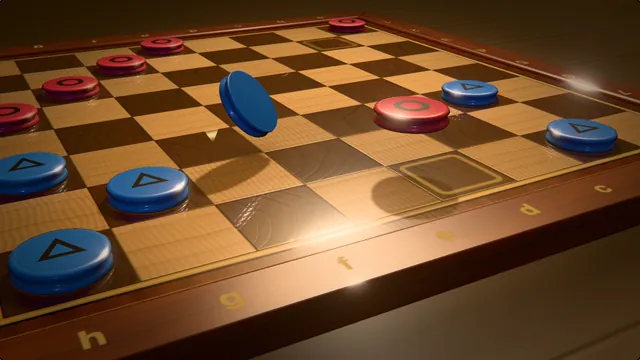 Checkers Chain your jumps and crown your kings: classic draughts on a lamplit board. Pro game
 Reversi Trap a line and watch it flip: Reversi on green felt under a warm lamp. Pro game
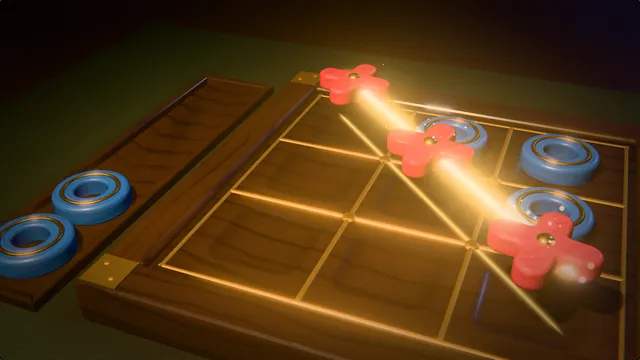 Tic-Tac-Toe Three in a row lights up the brass: play the computer, or pass the device to a friend. Pro game
 Jolly Commons: Everybody In One team, one lost walker, five lanterns. Spot who is lost and help them find the way. Pro game
 Jolly Commons: One More Round Ping where it sits. One of you is bluffing. Two taps a round, six rounds a match, then one more. Pro game
 Jolly Commons: Friendly Rivalry Two benches, two hidden Gremlins, one secret invention. Handicaps and swaps keep the duel close. Pro game